
Reporting that answers real questions for YouTrack
Get consistent dashboards you can trust for standups and reviews. Connect YouTrack with predefined authentication and mapping, import your data, explore sample reports, or start from scratch.

Why eazyBI for YouTrack
Import all YouTrack data
Issues, standard and custom fields, state changes, tags, time tracking, and more — across one or many projects.
Advanced data analysis
Multi-dimensional pivots, filters, and drill paths for real answers. Optional MDX when you want custom measures.
Visualize & explore
Turn numbers into clarity with chart types for trends, comparisons, and outliers — then dig deeper when something looks off.
Interactive dashboards
Combine reports into a single view — portfolio overviews, sprint health, throughput, and time tracking in one place.
Automated refresh
Scheduled imports keep reports current without CSV juggling. Pick a cadence that fits standups or executive updates.
Share & distribute
Share dashboards inside eazyBI, export PDFs, or schedule email summaries. Keep stakeholders informed without manual prep.

Structure and analyze YouTrack data without spreadsheets. Start simple — rows, columns, filters — and add custom measures when you need them.
Build custom reports
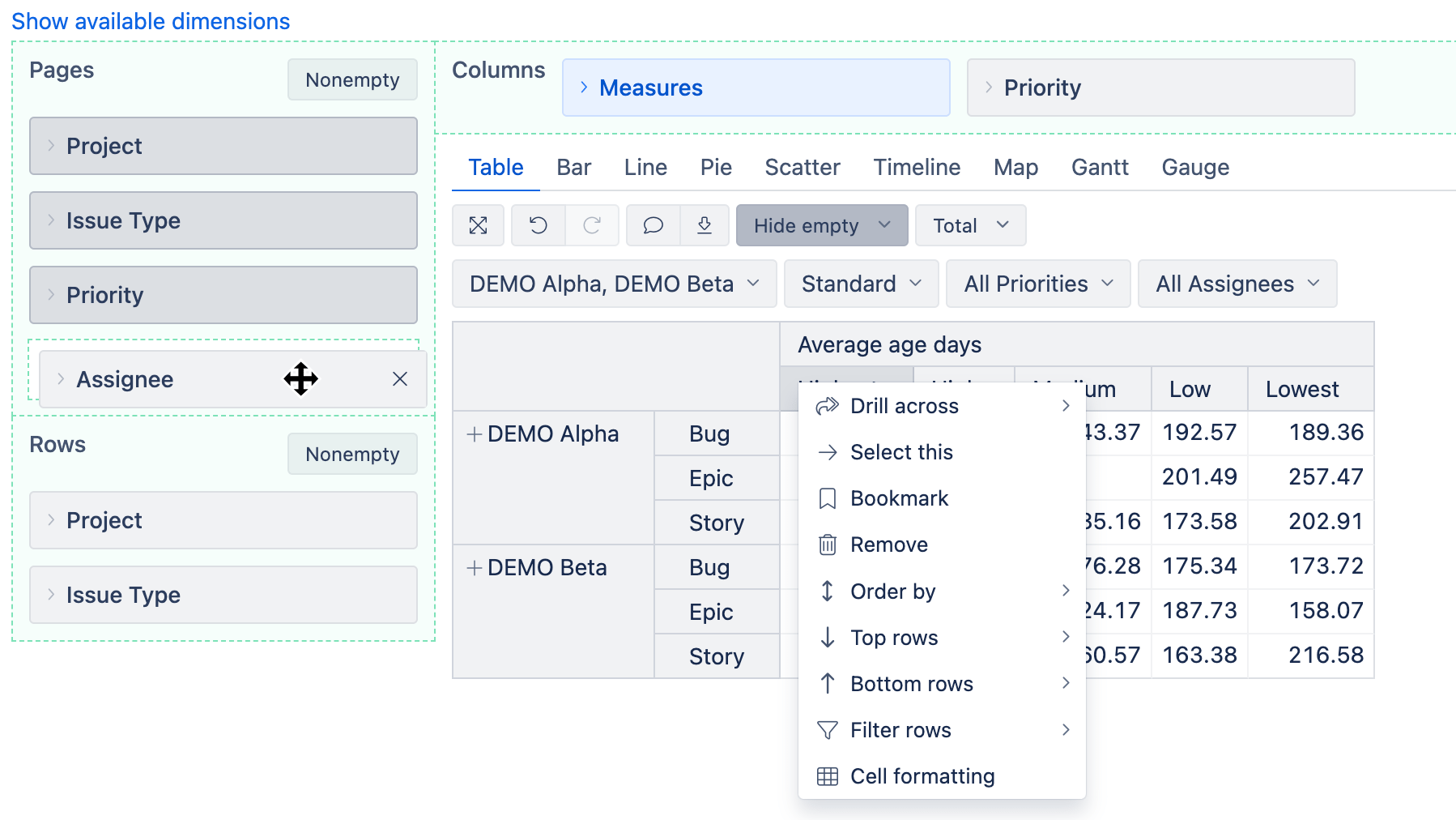
Drag fields into rows/columns/pages. Filter by sprint, tag, assignee, or timeframe. Drill across when you want a different angle.
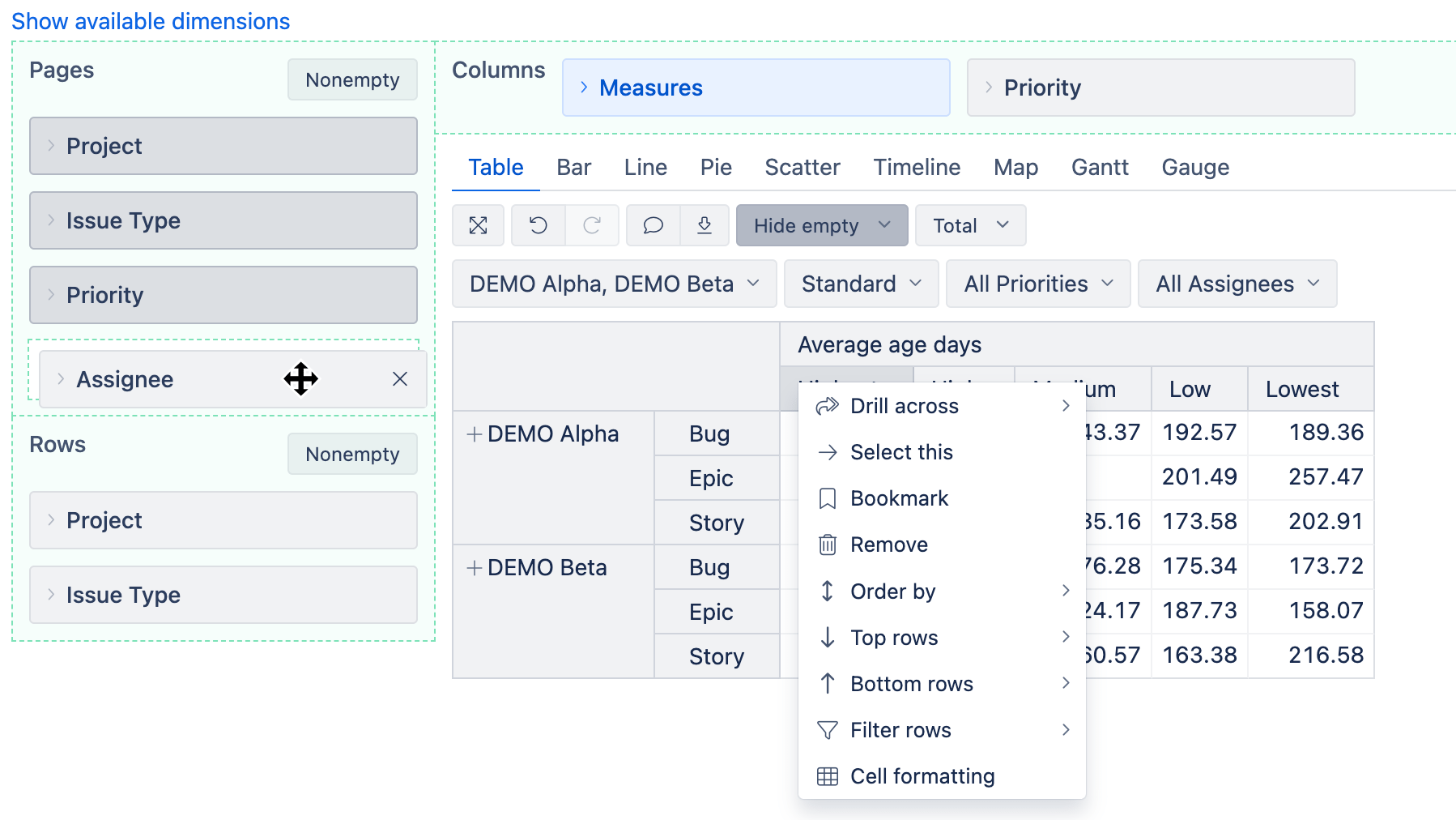
Measures & calculations
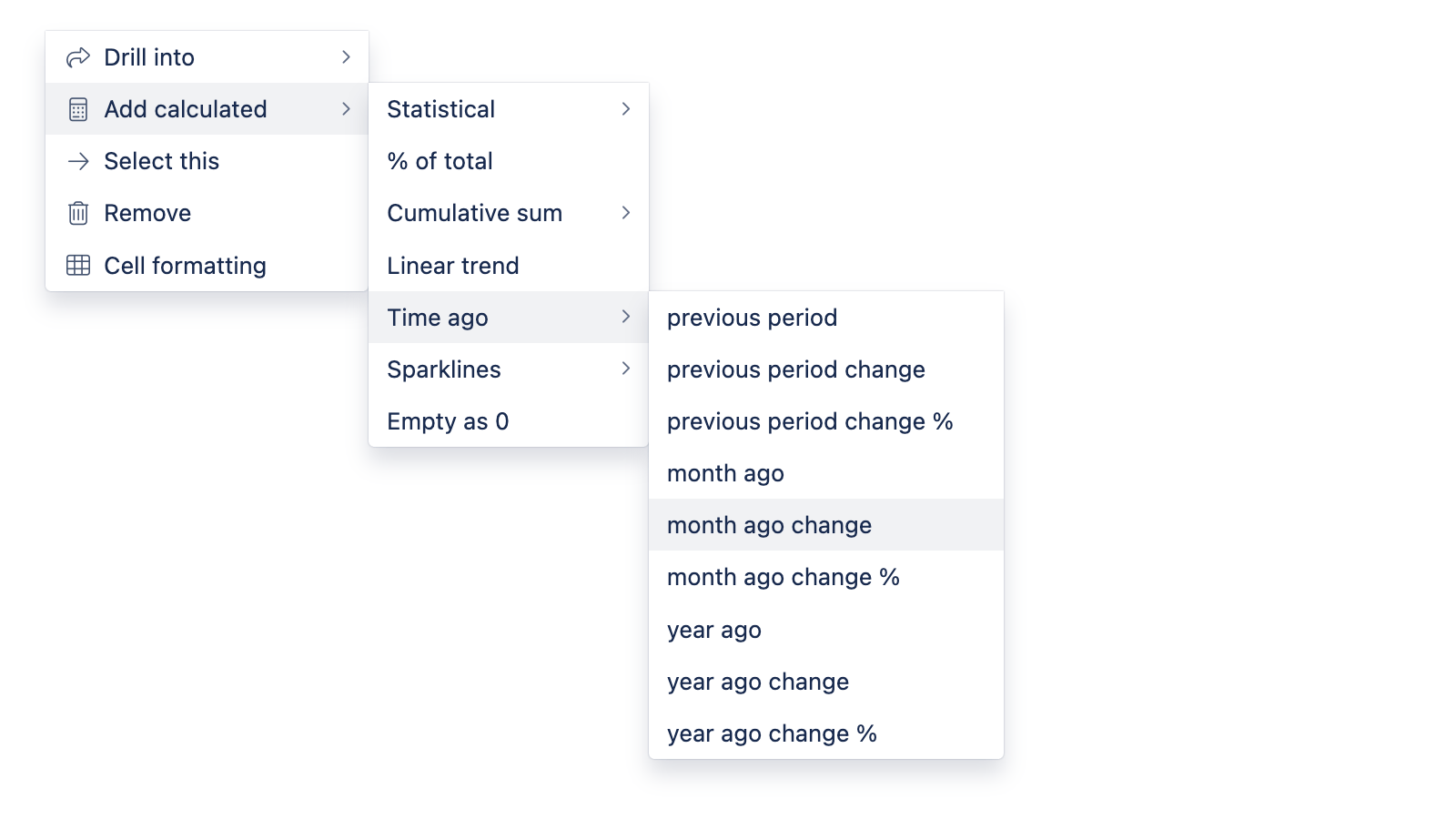
Use ready-made measures (created, resolved, lead time, logged hours). Use built-in standard calculations (Linear trends, Cumulative sums, statistical, time periods), or add your own with MDX when needed.
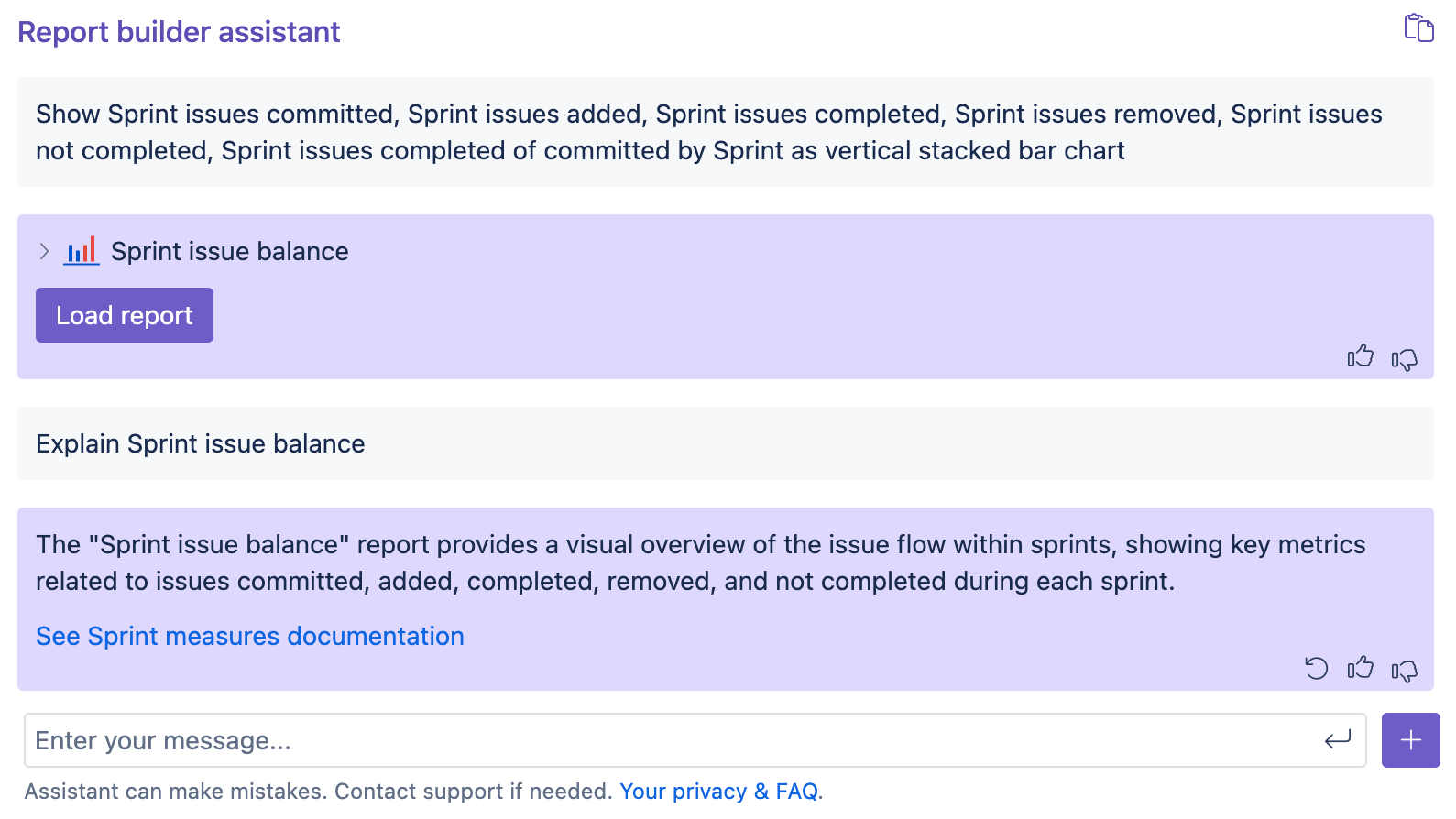
AI assisted report building
Use the eazyBI AI assistant to build custom reports; explain reports, measures, or functions; optimize slow reports, write custom MDX formulas, or define custom field import with javascript.
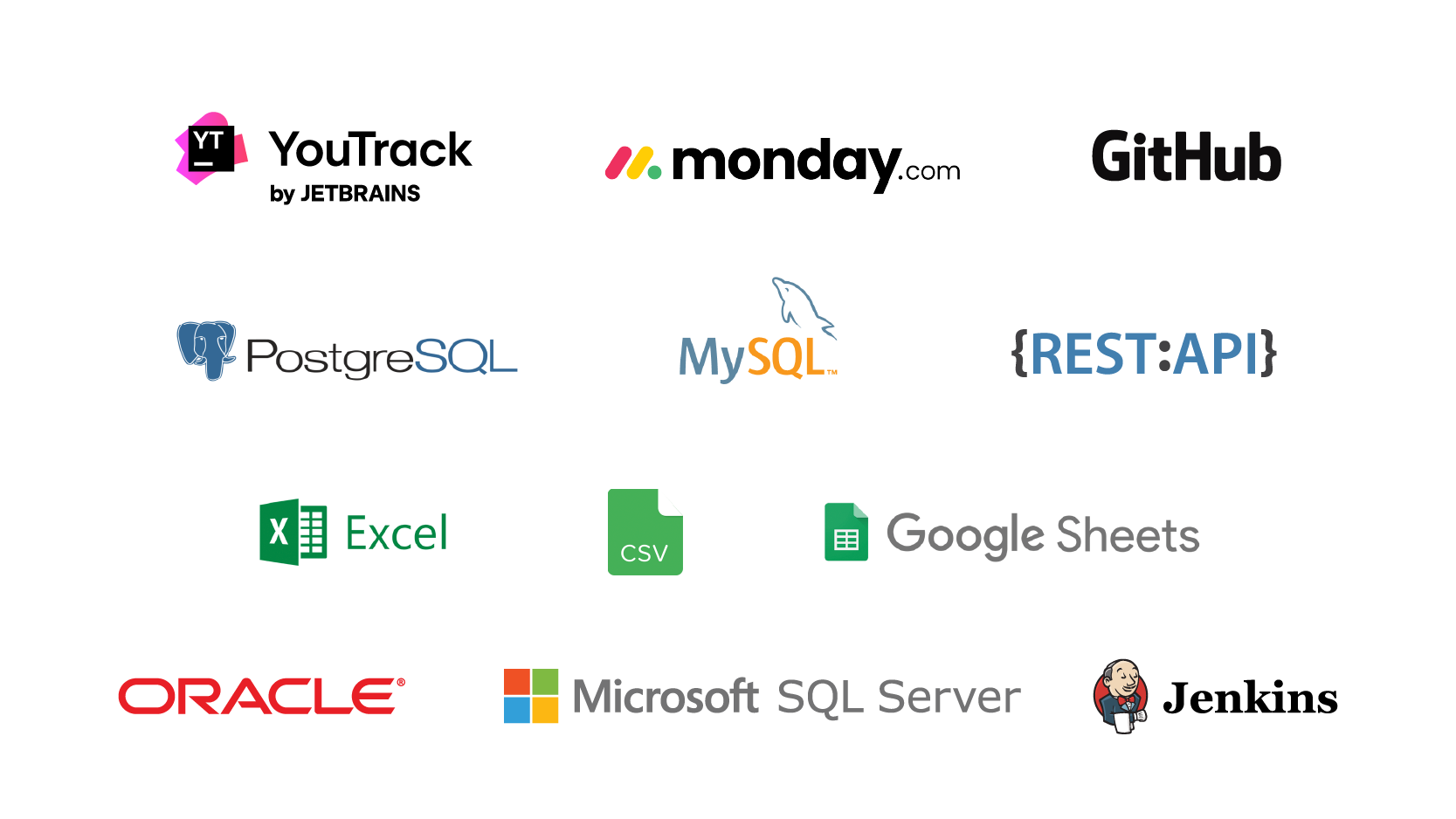
Many data sources
Bring in SQL (PostgreSQL, MySQL, MS SQL, Oracle), Files (Excel/CSV), Google Sheets, REST API, Zendesk, Harvest, Freshdesk, or Basecamp — for broader context.

Make trends and outliers obvious. Choose clear visuals, label them well, and move on with shared understanding.
Advanced visualization
Highlight what matters: conditional formatting, comparisons vs. prior periods, heatmaps, or trendlines to show where things are headed.
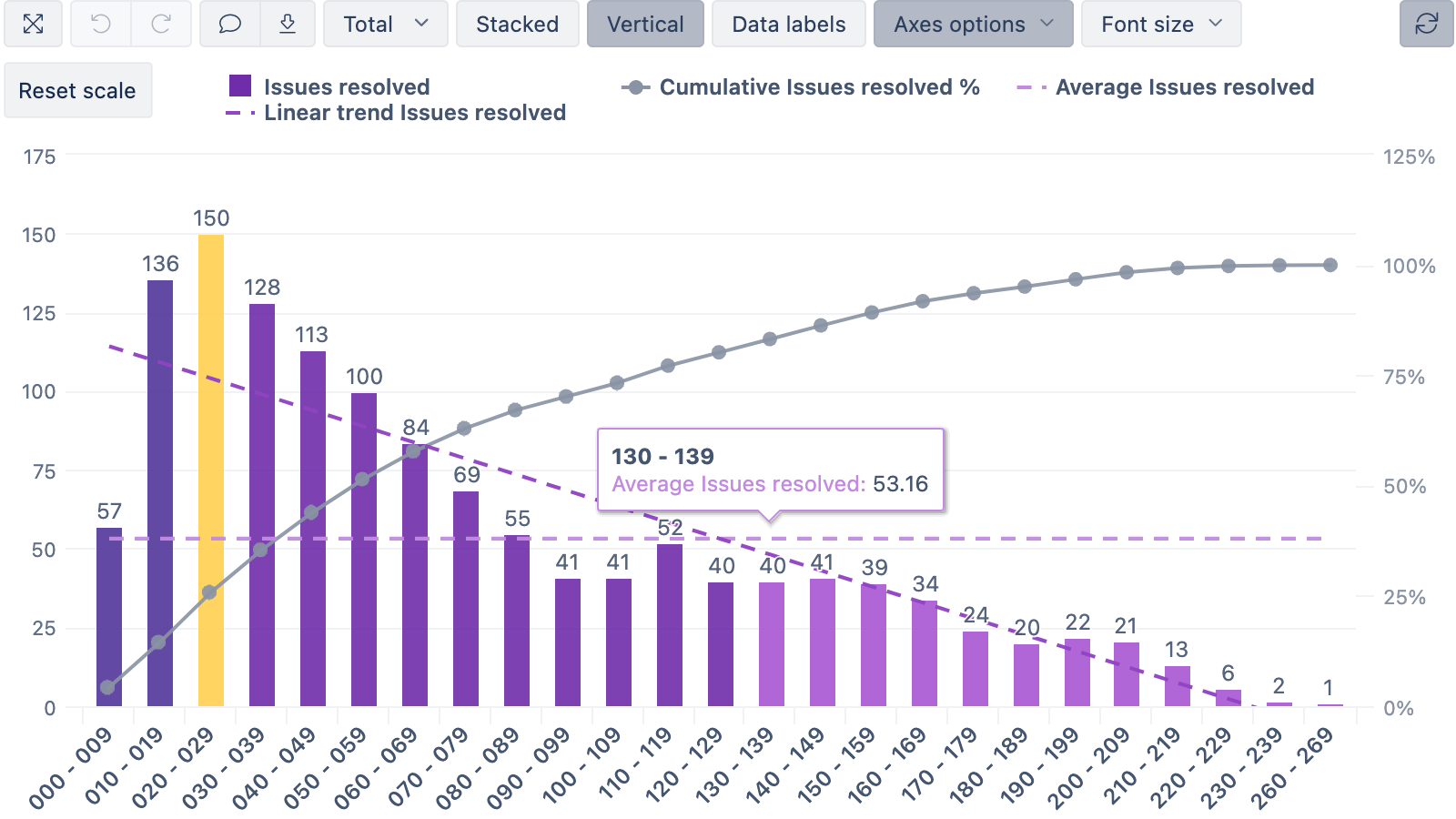
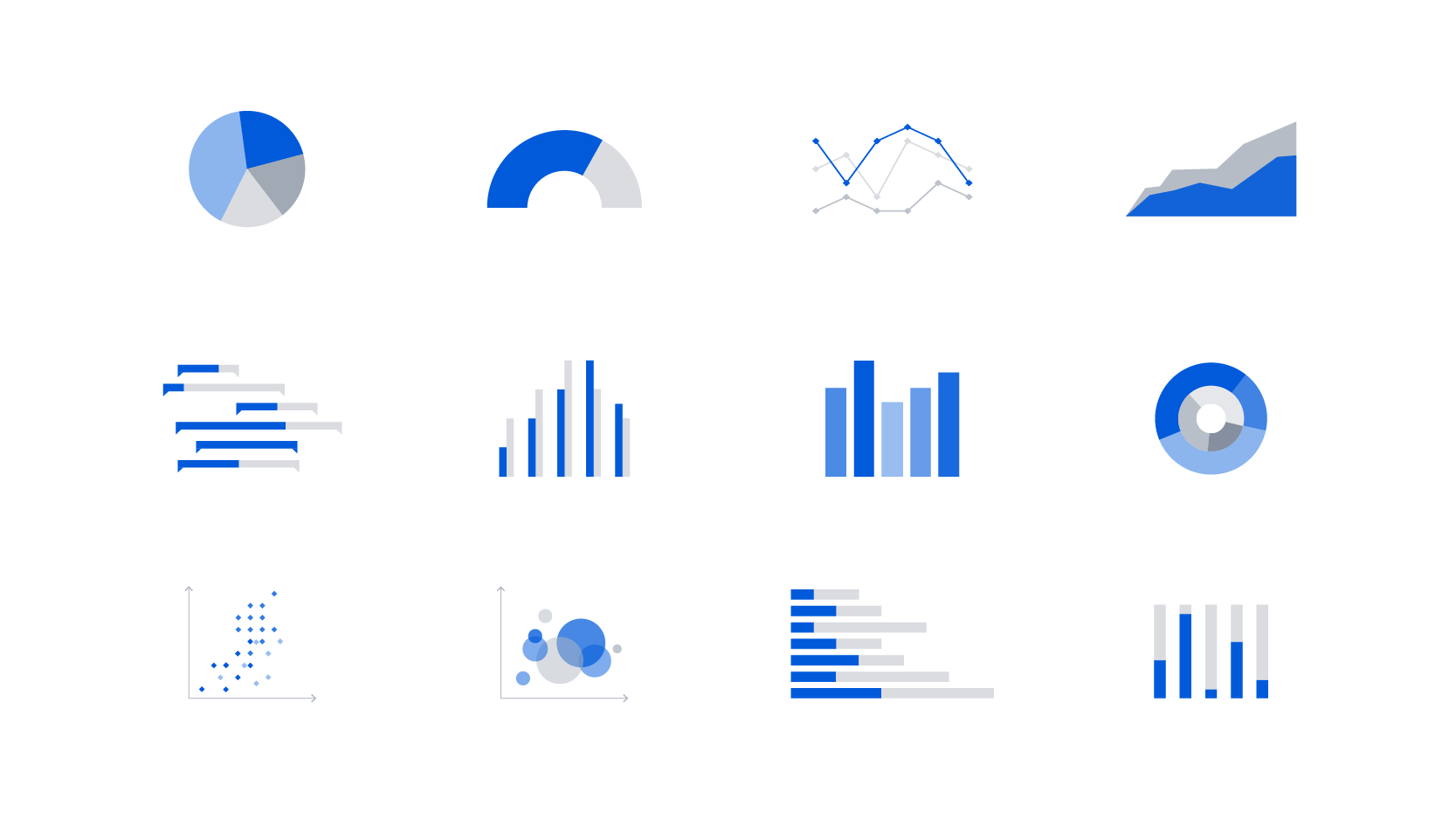
Many chart types
Bars, lines, areas, pies, scatter, heatmaps, gauges, and Gantt-style progress — pick the view that tells the story best.
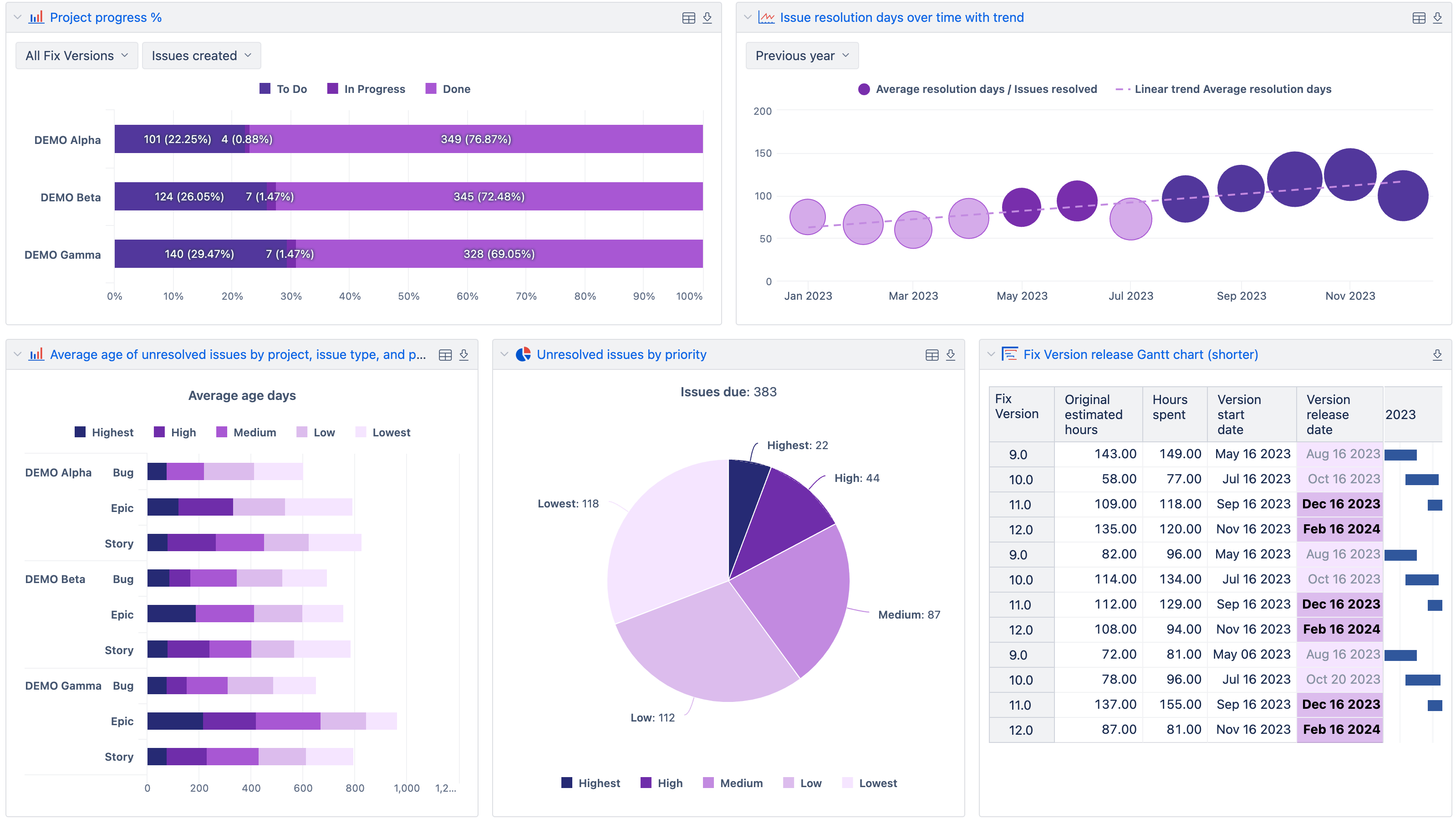
Interactive dashboards
Put the key reports together. One link for everyone to see the same truth — from sprint health to portfolio status.

When a number looks off, follow it. Narrow the scope, change the angle, and — when needed — open the underlying issues.
Page filters
Scope a dashboard by date range, project, team, sprint, or tag. One change, consistent across widgets.
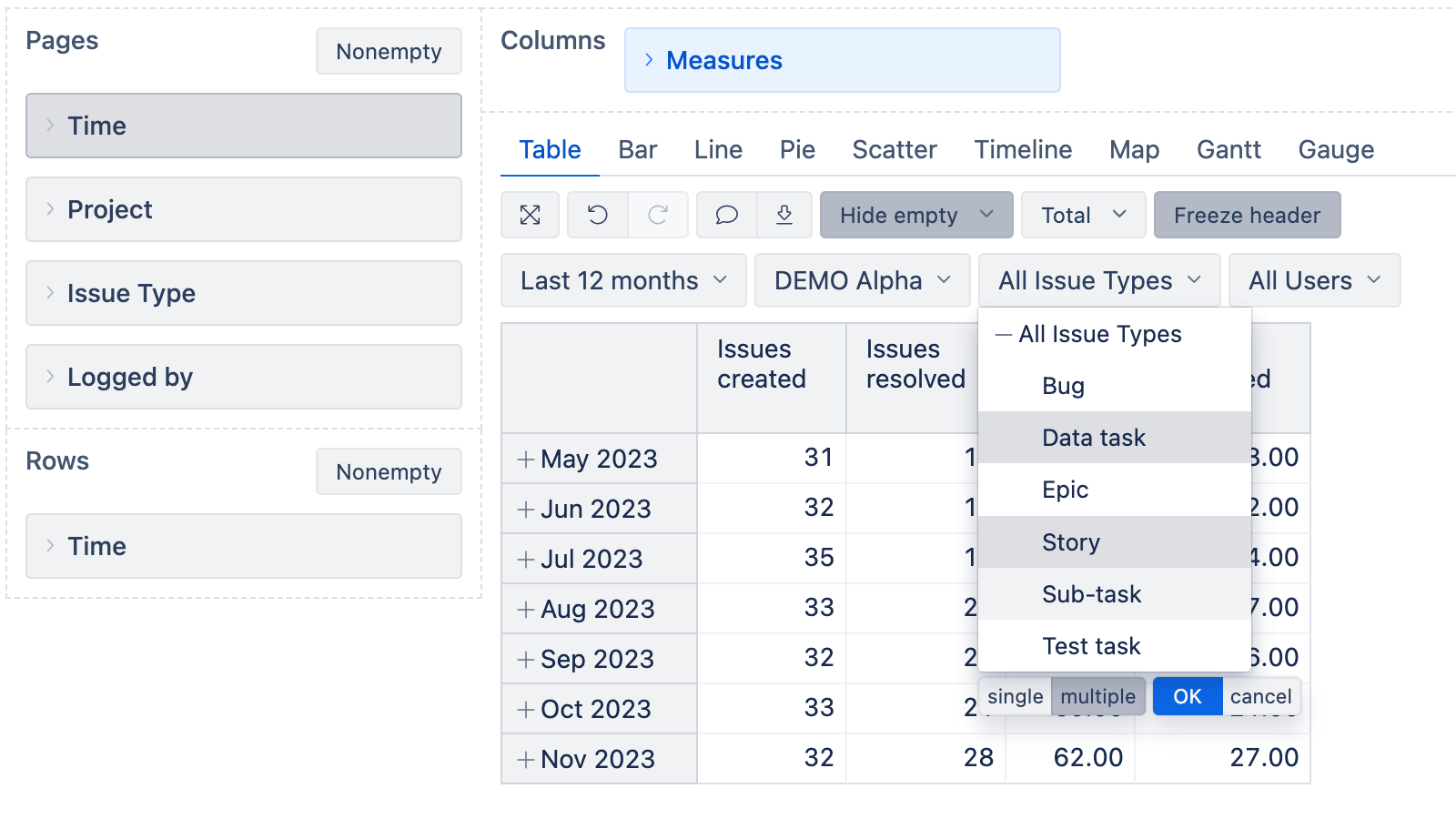
Hierarchies
Move from Years to quarters or months, from portfolio to project, and subsystem/component. Define practical groupings so people find answers faster.
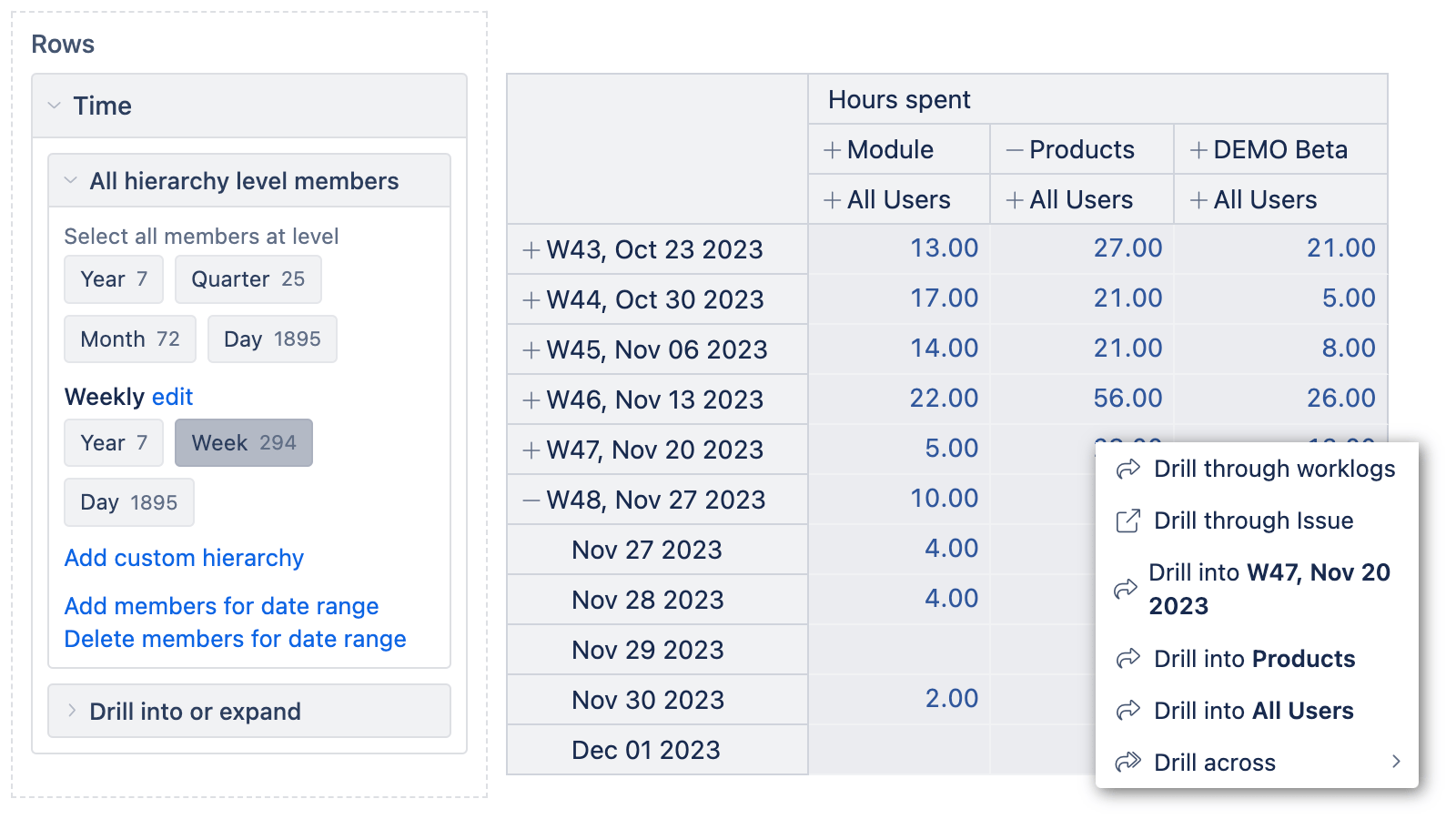
Drill & zoom
Click from aggregates to issue lists, switch dimensions (e.g., state → assignee), and get back without losing context.
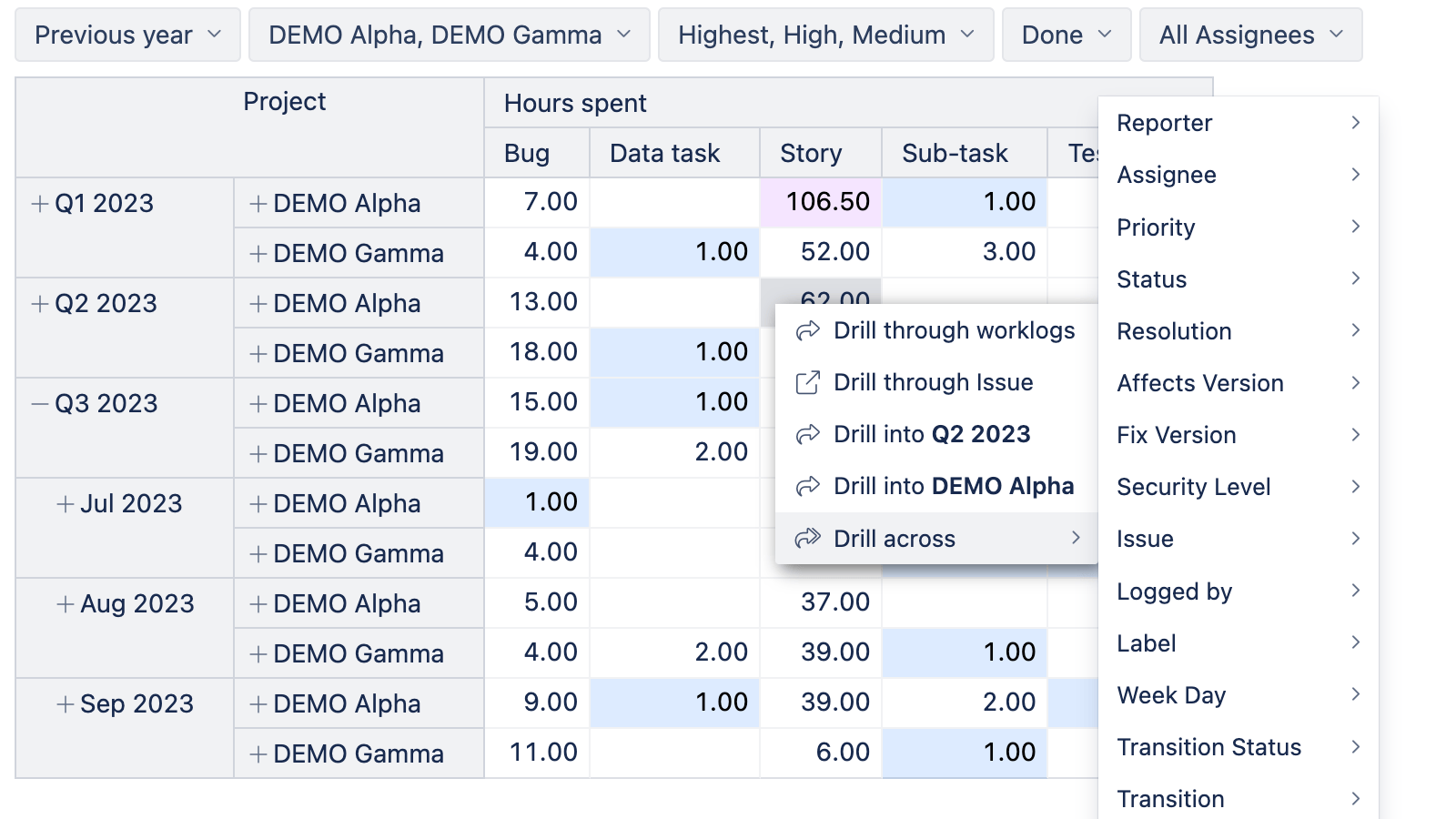
Governance
Keep things tidy: user access roles, project scoping, edit logs with change reversal, template accounts, shared calculated measures so definitions stay consistent.
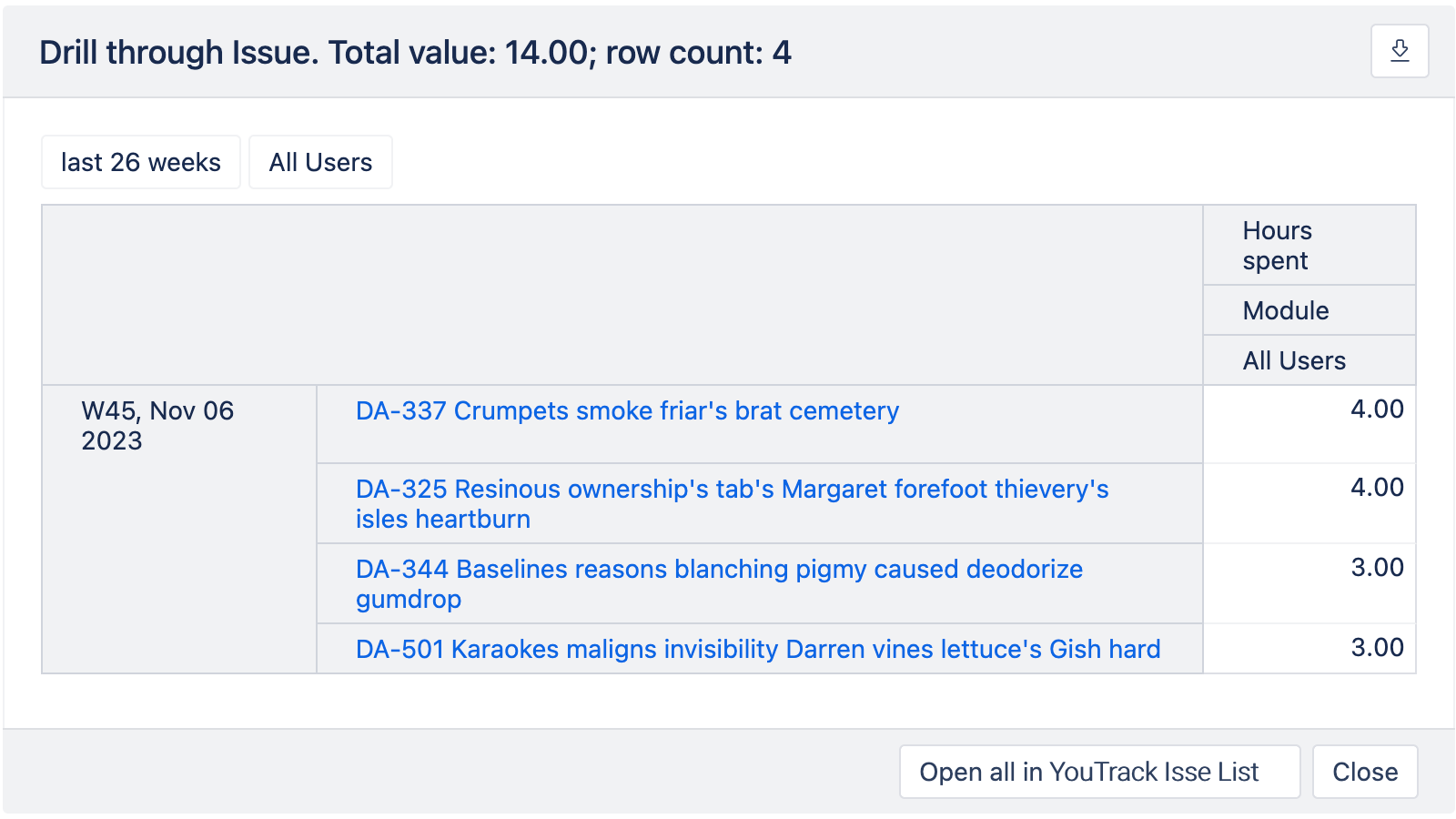
Direct links to YouTrack
Open the exact set of issues behind a number. Useful when you want to verify a trend with real tickets.

Make updates a non-event. Reports refresh on a schedule; stakeholders get what they need without chasing you.
Scheduled refresh
Daily automated imports run during off-hours to minimize impact on YouTrack, while producing up-to-date reports ready for the standup.
Email subscriptions
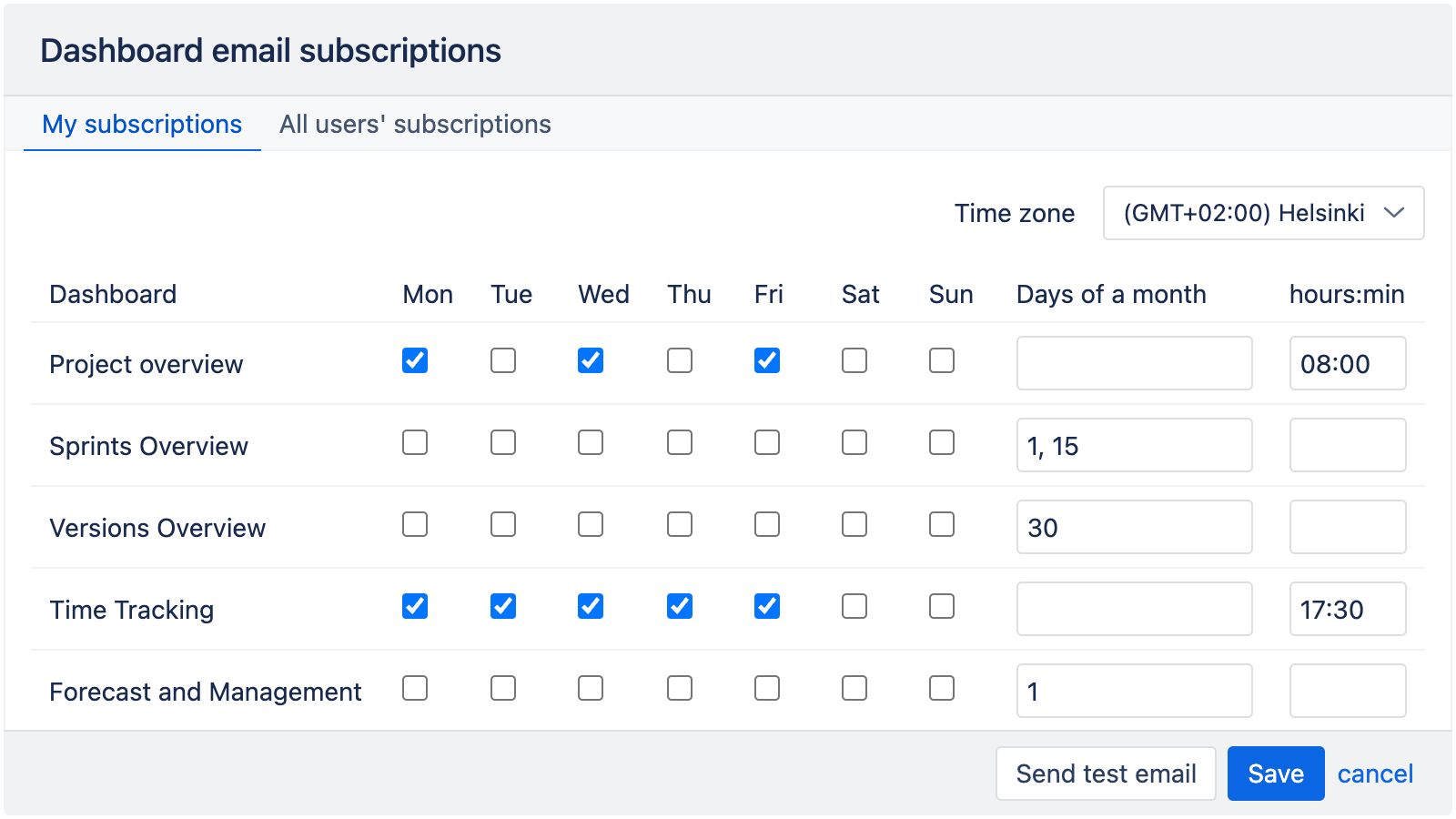
Send a weekly PDF snapshots to email, or a month-end dashboard to execs. Same data, same definitions — fewer surprises.
Dashboard sharing & wallboards
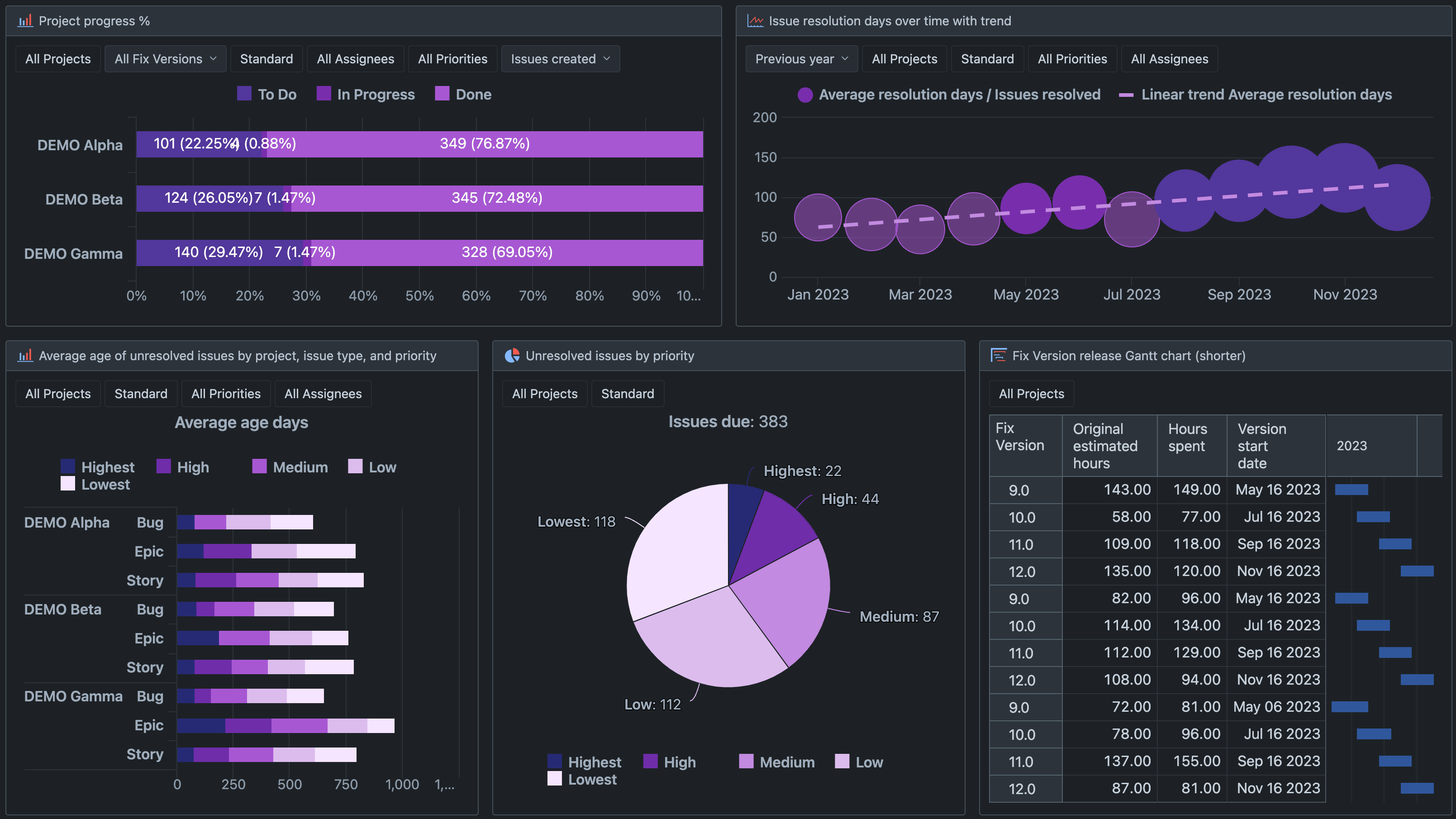
Share dashboards inside eazyBI and put them on a big screen so the team sees the same priorities.
Exports: PDF, XLSX, CSV
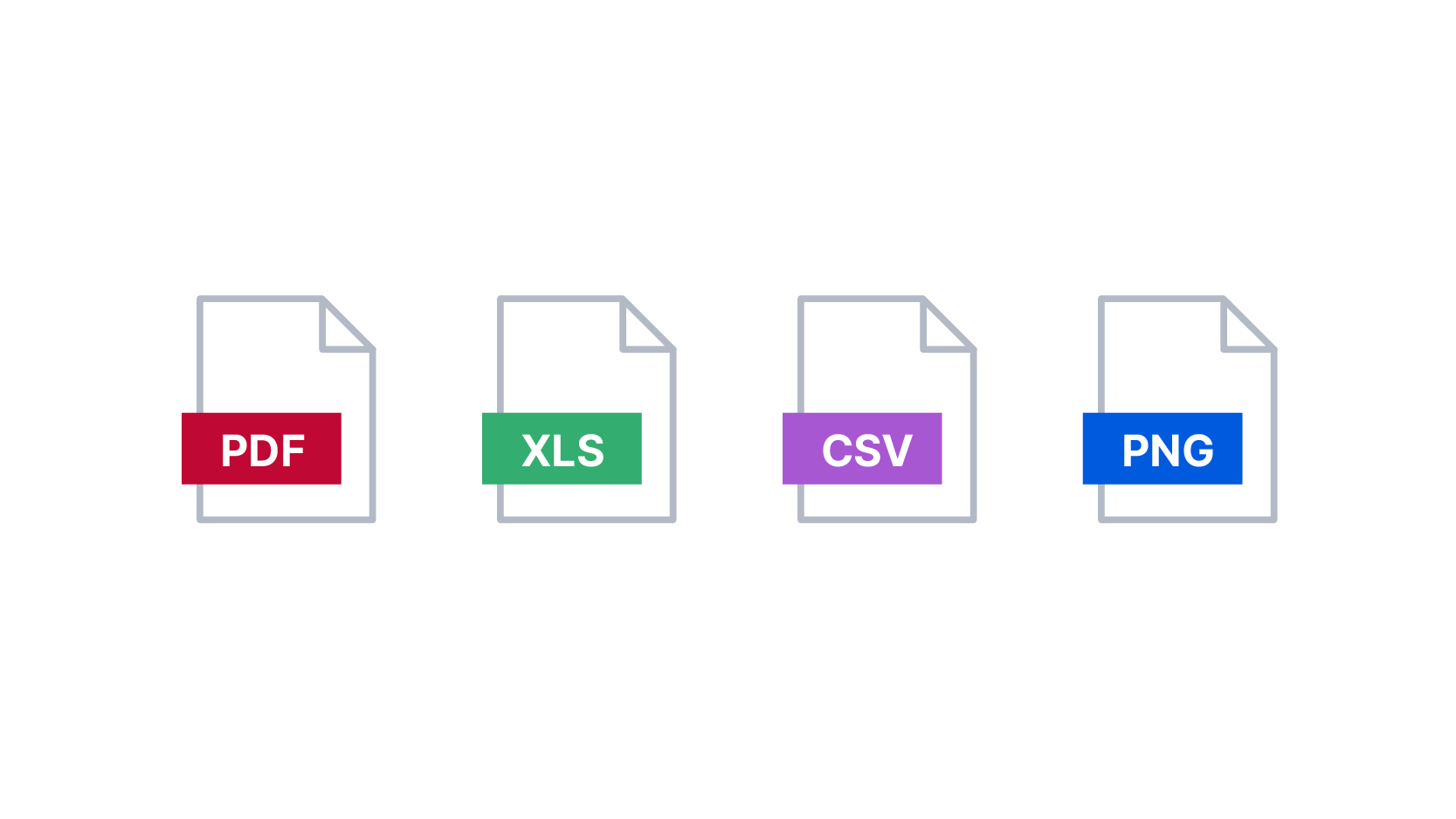
When someone needs a flat file for a meeting, reference, etc. export and move on.
Start a 30-day free trial
Try eazyBI free for 30 days to see if it’s right for you. If you need any help or support, feel free to reach out to support@eazybi.com — we’re there for you.
Try it freeEnterprise ready
Scales with your data and teams. Secure by design, with options that fit cloud-first and on-prem environments.

Security & compliance
- SOC 2 Type II
- Bug bounty
- Scoped access to your YouTrack data

Scalability & performance
- Built for large datasets
- Responsive analysis
- No load on YouTrack during reporting

Management
- Granular permission management
- Usage statistics
- Template accounts
- Audit log of changes
Demo dashboards & template library
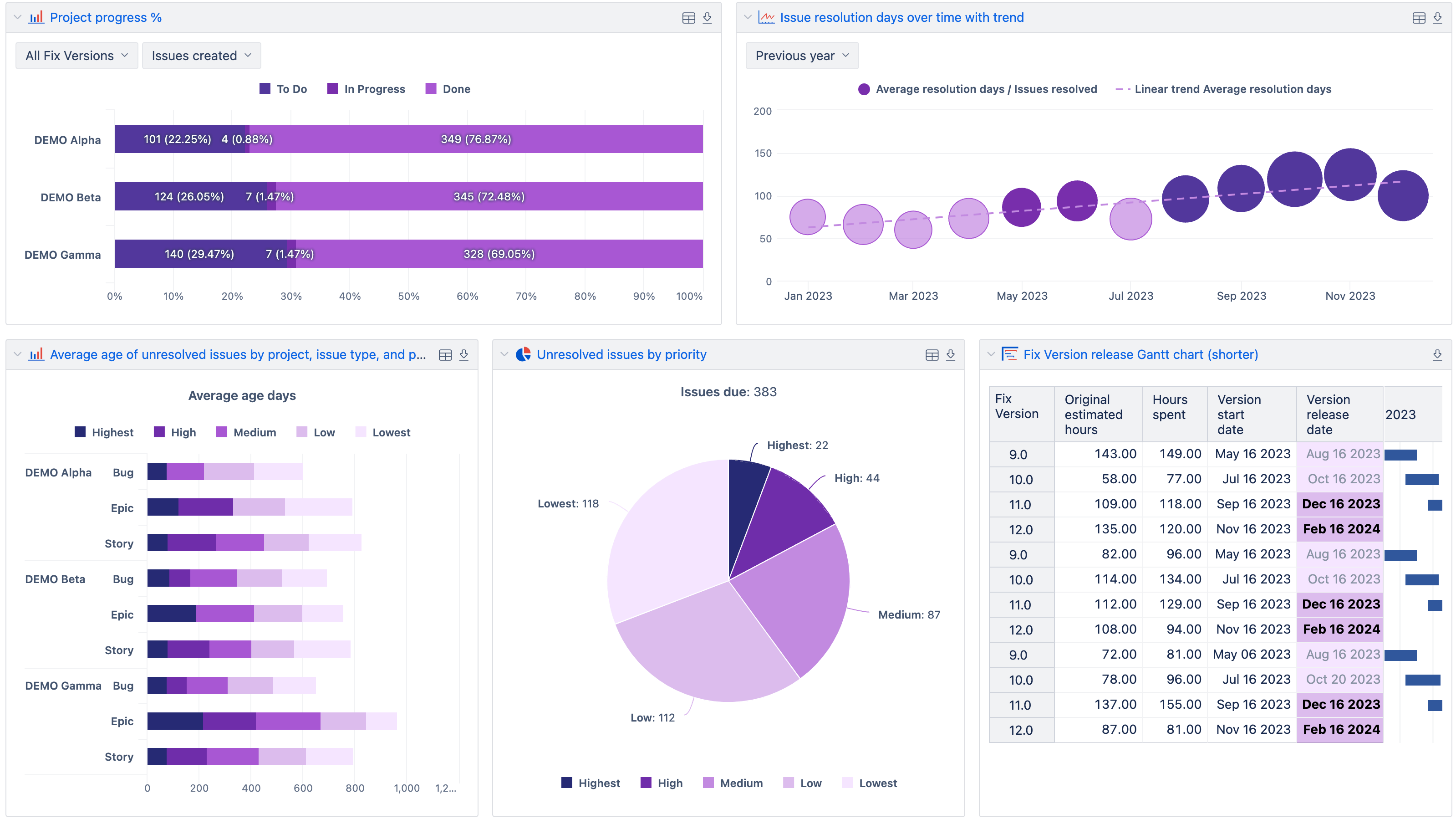
Explore examples for project overviews, agile flow, sprint health, time tracking, quality trends, and portfolios. Import a dashboard or report as a template to your account and adjust it to your data.
Project overview
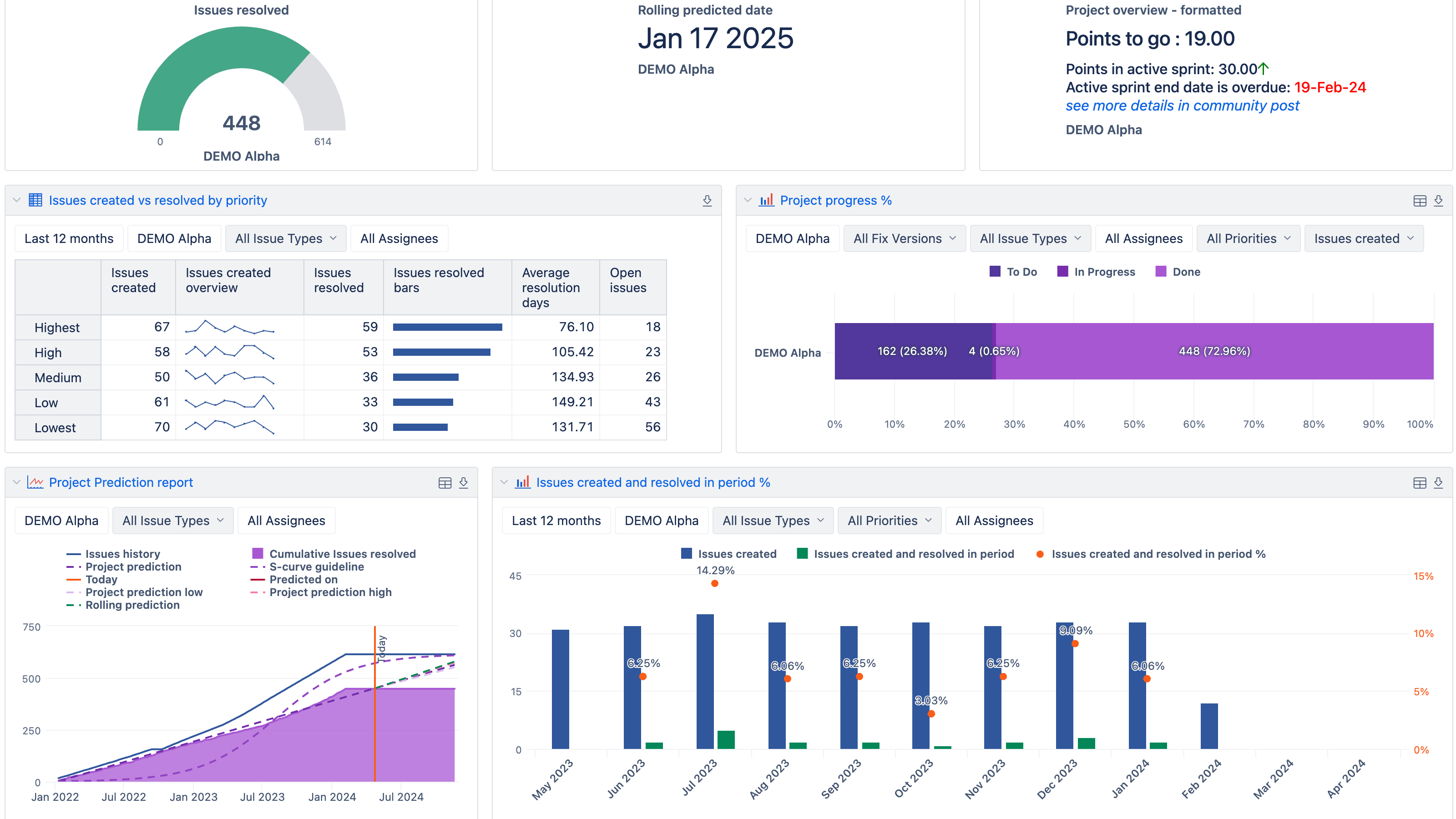
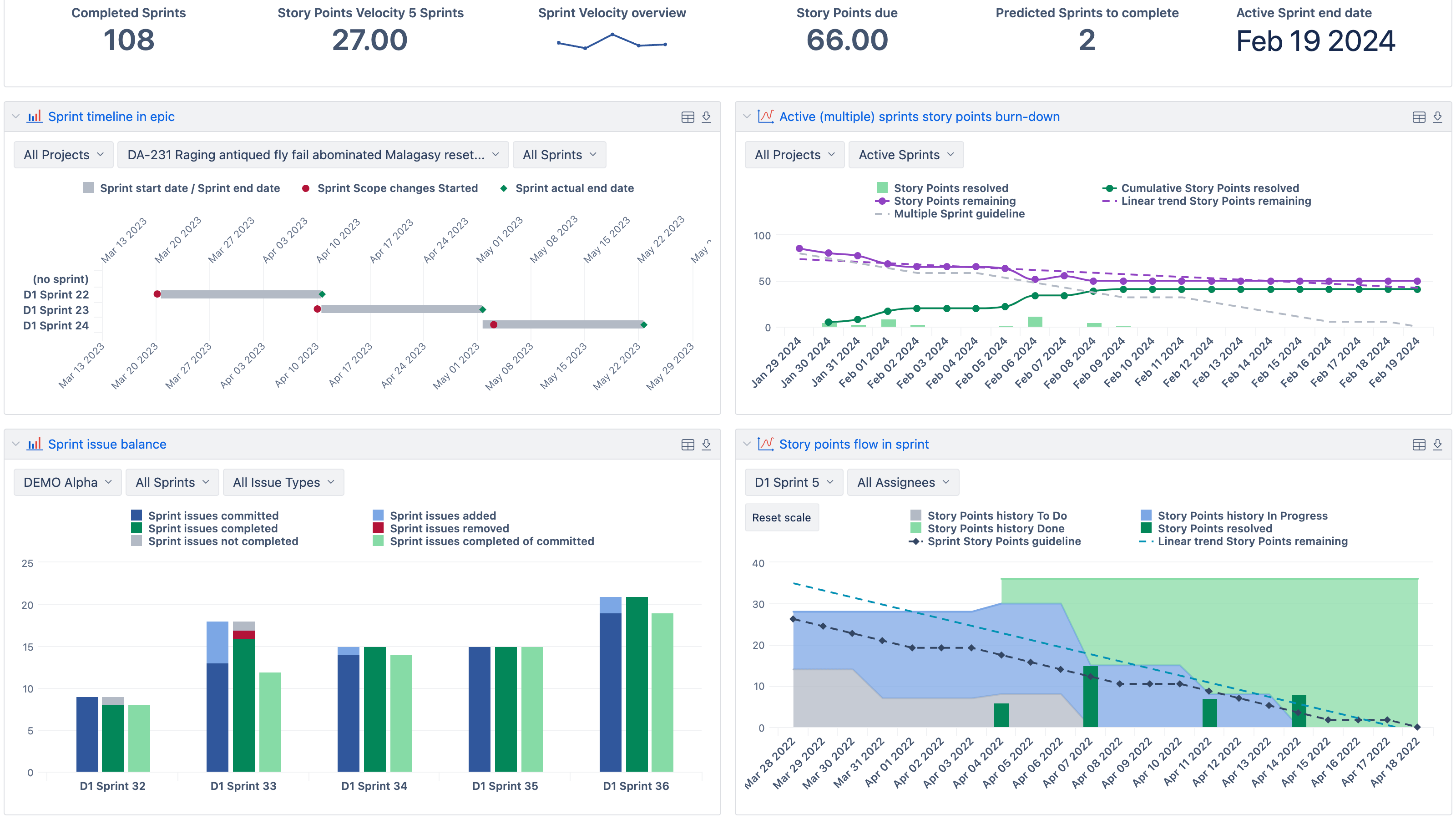
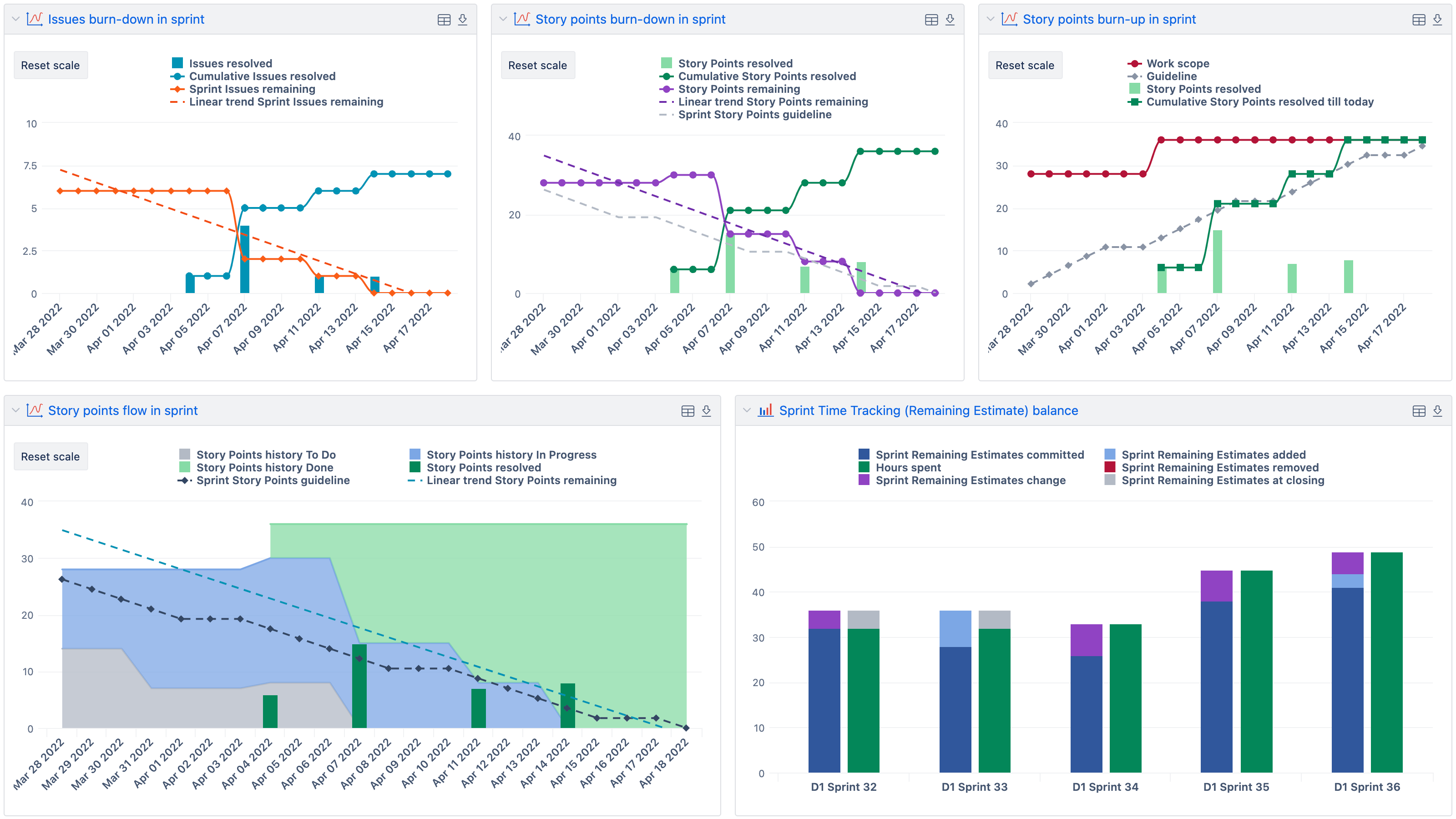
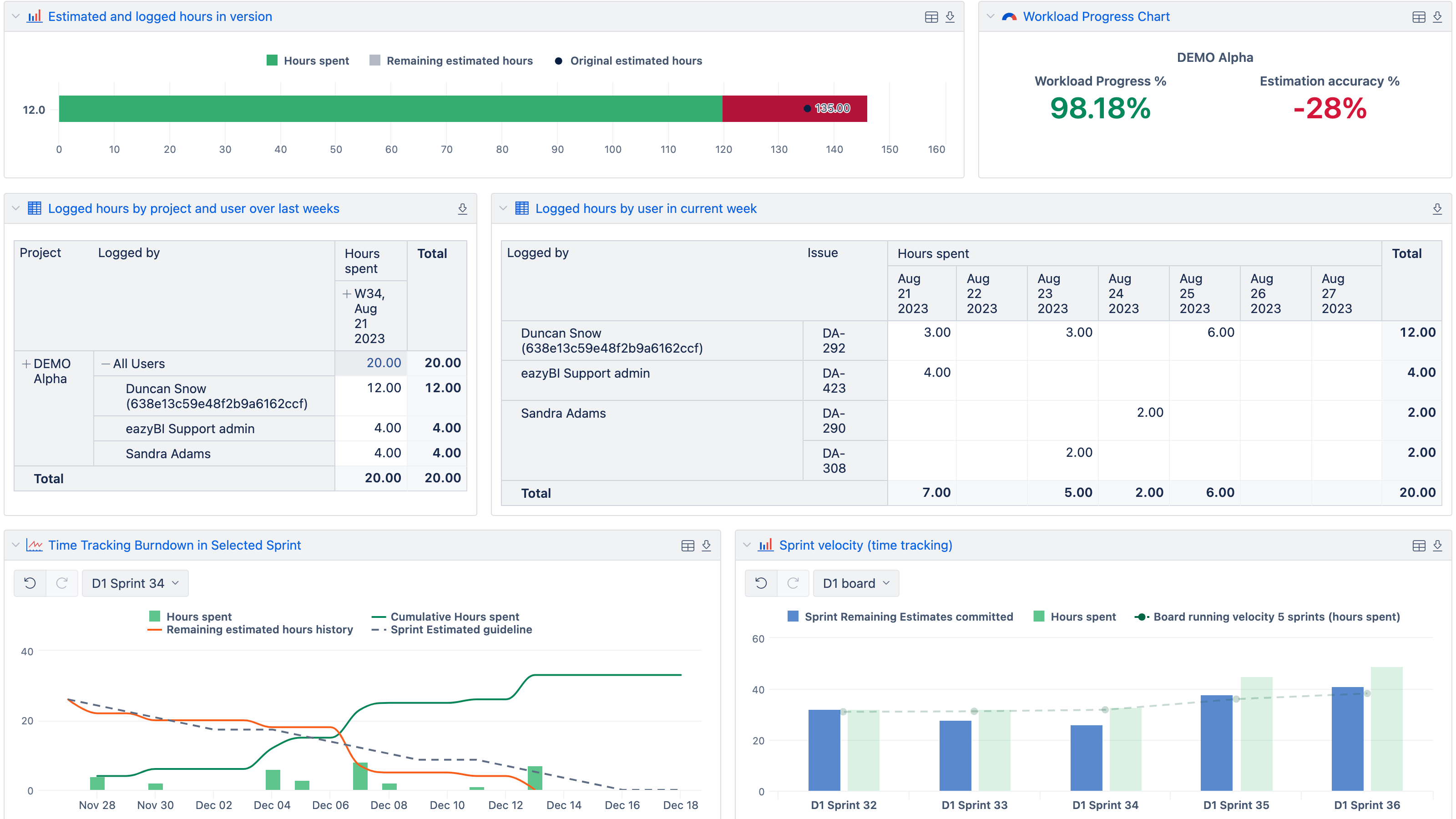
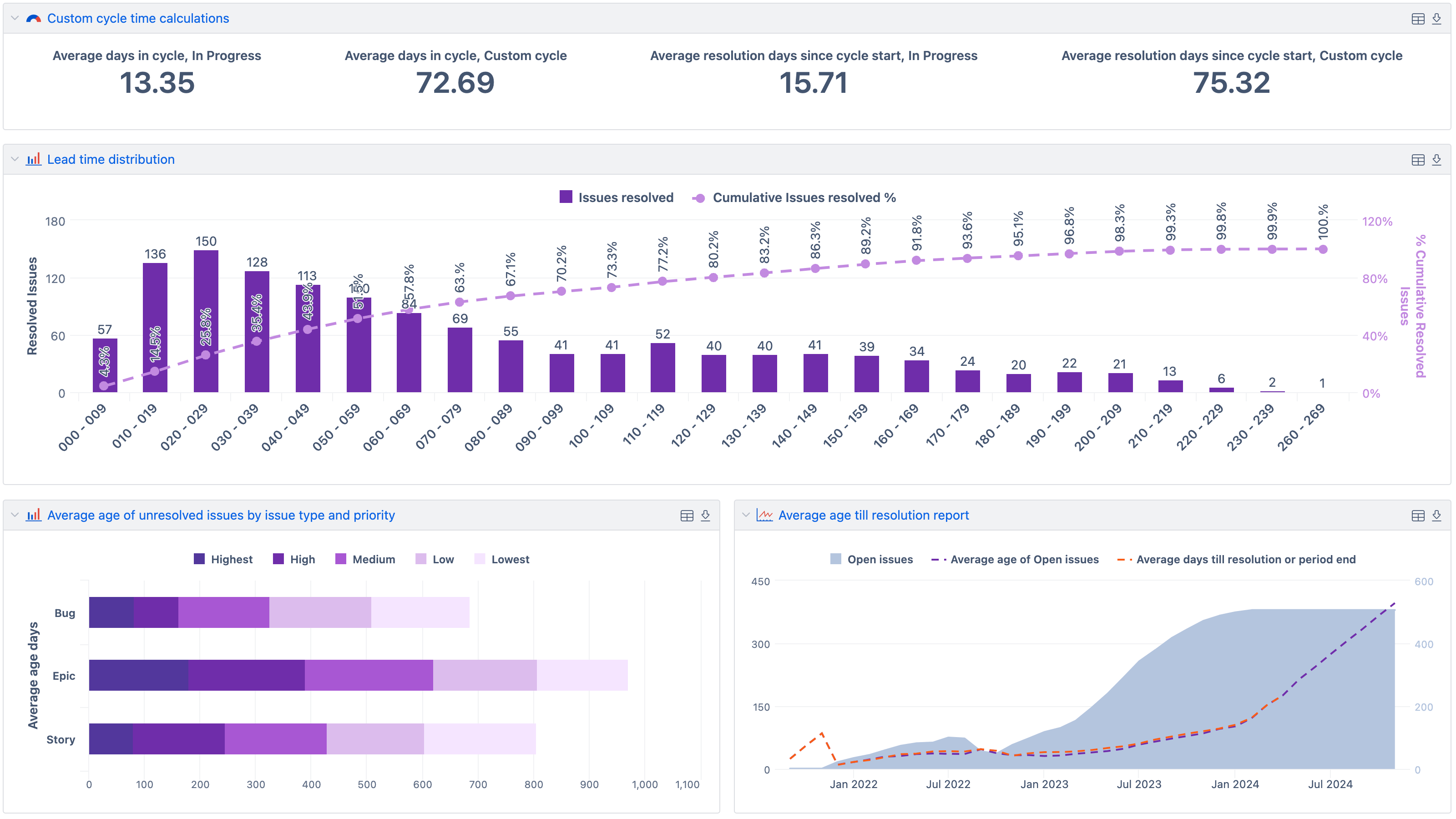
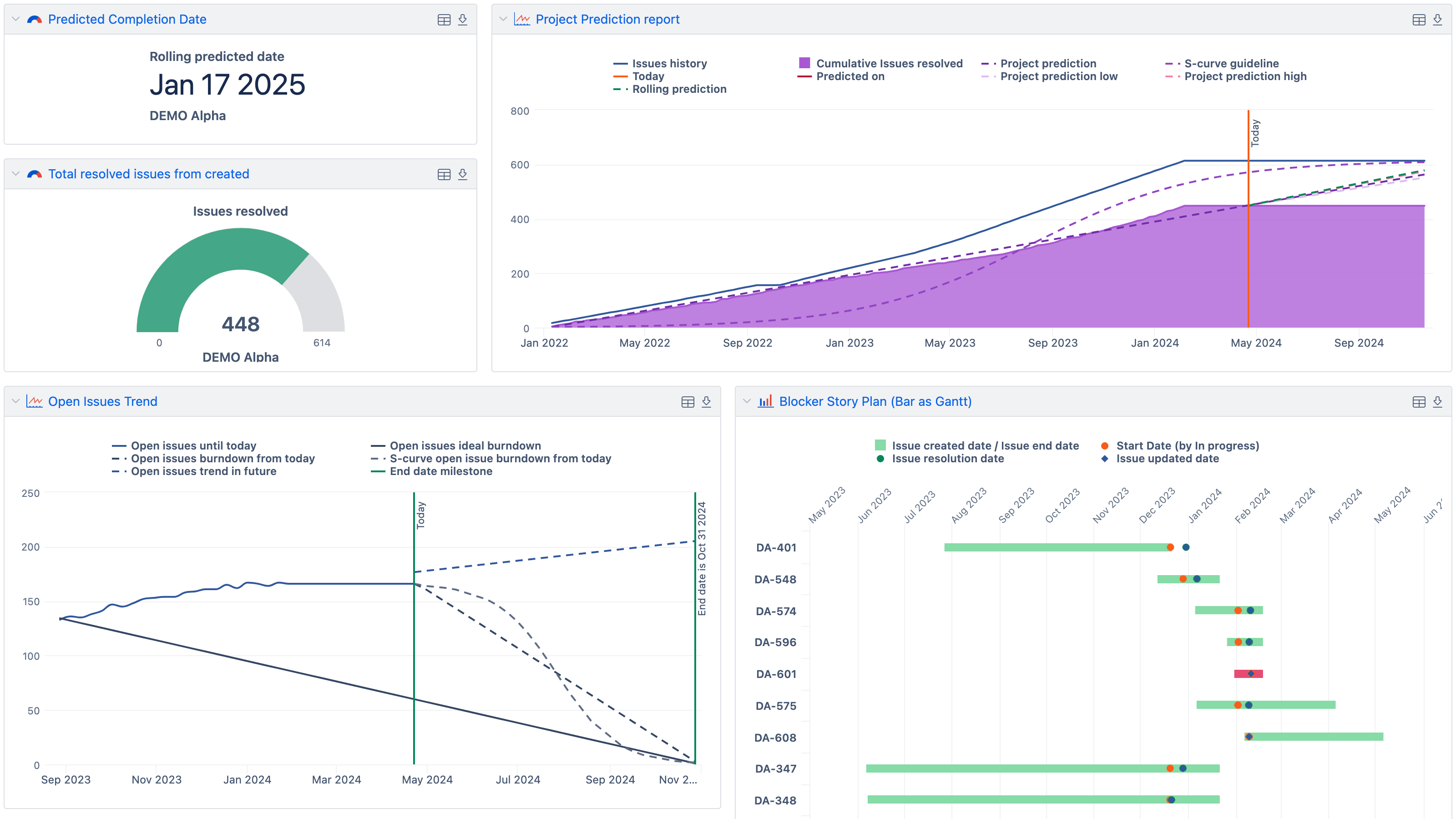
Track created vs. resolved, scope changes, open issues by state and priority, and resolution times. See what changed since last review.
eazyBI Cloud pricing & plans
- 200MB storage (per creator)
- Automatic data import at a specified time every day. On-request manual data import available any time.
- Import data from supported data sources and applications.
- Export your charts as PDF or PNG files and chart data as XLSX or CSV files.
- Embed and share your reports using <iframe>.
Starting from 5 creators or 20 viewers
- Embed and share your reports to non-eazyBI users using public access tokens.
- Receive regular dashboard snapshots as PDF attachments in your email.
- Create data access roles to limit user access to report folders, dashboards, or data cubes.
Support & resources
eazyBI’s powerful report builder comes with an extensive knowledge base, a vibrant community, and experienced support.
 Support
Top-rated support ready to guide you through your reporting journey.
Support
Top-rated support ready to guide you through your reporting journey.
 Documentation
Detailed documentation with tutorials, instructions, use cases, and how-to videos.
Documentation
Detailed documentation with tutorials, instructions, use cases, and how-to videos.
 Community
Active and growing user community with shared experiences and practical solutions.
Community
Active and growing user community with shared experiences and practical solutions.
 Learning Center
Hands-on, self-service lessons to build different reports and grasp BI concepts.
Learning Center
Hands-on, self-service lessons to build different reports and grasp BI concepts.
12000+ installs, 5000+ customers from 150+ countries


Put your data to work
Find the eazyBI that fits your work. Start with a free eazyBI trial.


